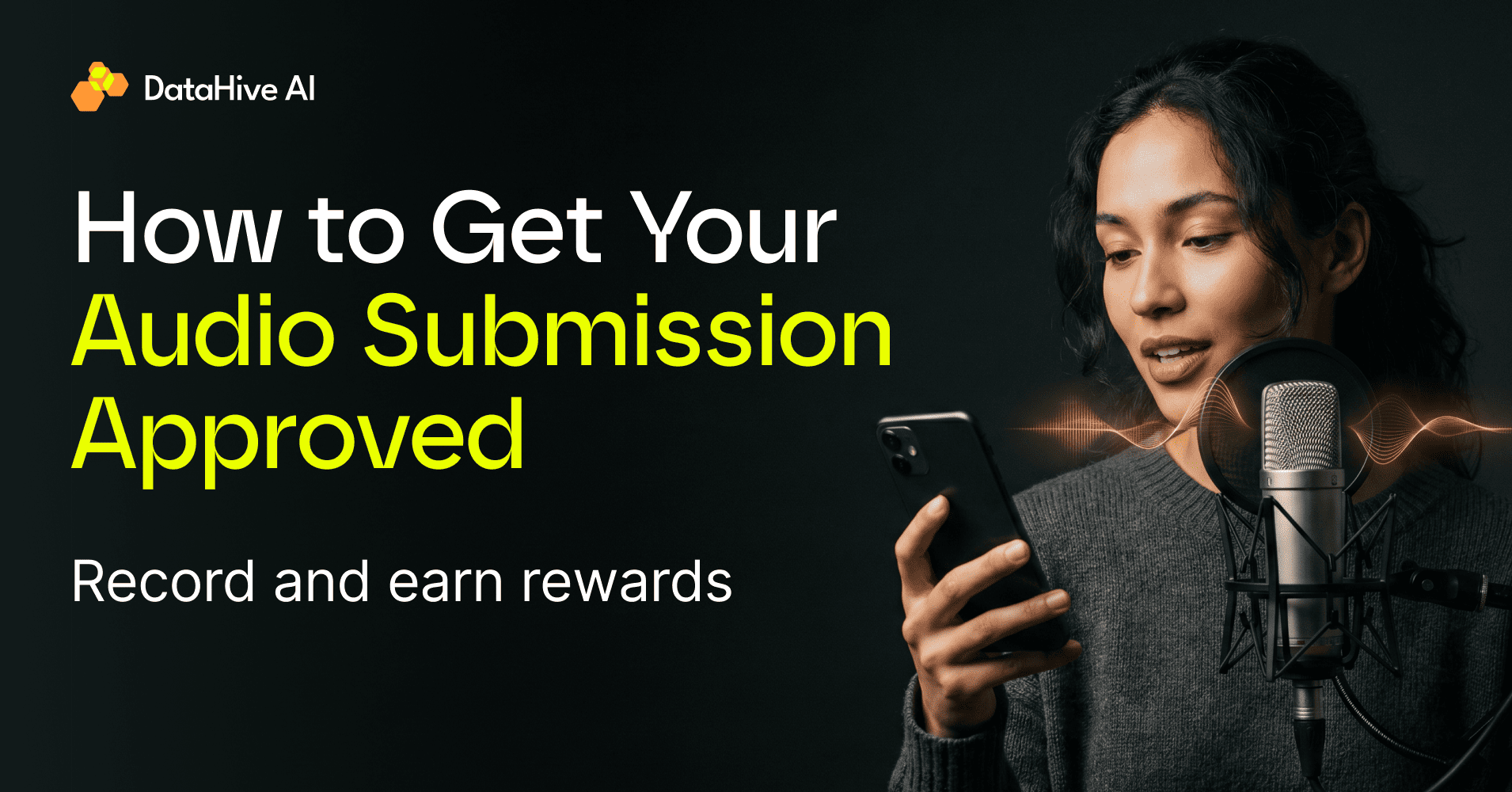
We want as many submissions as possible to be approved. This guide explains the most common reasons why recordings are rejected and how you can avoid them.
These aren’t arbitrary rules – they’re requirements of the AI datasets we’re collecting. Every recording is validated before payment, and recordings that don’t meet the project’s requirements cannot be accepted.
We’ll continue updating this guide as we launch new missions and learn from common mistakes.
Be Honest About Your Language Skills
Some missions require native speakers, fluent speakers, or people from specific regions with particular accents.
Please answer these questions honestly.
Every submission goes through a validation process. If we determine that you intentionally provided false information about your language skills or region to qualify for a mission, your submission will be rejected and your account may be permanently banned.
Being honest helps us match you with missions you’re actually eligible for – and gives you the best chance of getting approved.
Check Your Microphone Before You Start
Before recording, you’ll be asked to test your microphone.
Take a few seconds to make sure:
- Your microphone is working properly.
- Your voice is clear.
- There are no crackling sounds or technical issues.
- The recording volume isn’t too low or distorted.
A good recording starts with good audio quality.
Bad examples that will not be accepted
Pay Attention to Background Noise
Each mission explains whether background noise is expected.
- If the mission specifically asks for environmental or background noise, record in the appropriate environment.
- If the mission doesn’t mention background noise, record in a quiet place.
Unnecessary noise from TVs, music, conversations, traffic, or wind is one of the most common reasons recordings are rejected.
Bad examples that will not be accepted
Follow the Script Exactly
Please say exactly what’s written.
Do not:
- add extra words,
- skip words,
- change the wording,
- or improvise.
Our datasets are carefully aligned with the expected transcript. Even small changes can make a recording unusable.
Bad examples that will not be accepted
“Not really interested.”
“Is this an AI?”
If you make a mistake
Don’t continue speaking or repeat the sentence in the same recording.
Instead:
- Stop the recording.
- Start a new one.
- Record the sentence again from the beginning.
Unfortunately, we can’t manually edit every recording, so recordings with multiple attempts in a single audio file cannot be accepted.
Bad examples that will not be accepted
“I’m—honestly, I am not interested in that at all.”
“Uh, sorry, what company did you say again? I missed it the first time.”
Speak Naturally When the Mission Requires It
Some missions aren’t about reading text – they’re about sounding like a real person in a real situation.
For example, in our recent Robo Calls project, participants needed to answer the phone naturally, as if someone had actually called them.
A natural response sounds like something you would say in everyday life. It can be mumbled, bored, tired, or irritated. Or maybe you just answer the phone really fast because you’re completely out of time.
A rejected response often sounds like someone reading from a screen.
If the mission asks for natural speech, try to imagine the situation before you start recording. Natural speech makes a huge difference.